
Last updated: 22/08/2024
How to customize my notifications.
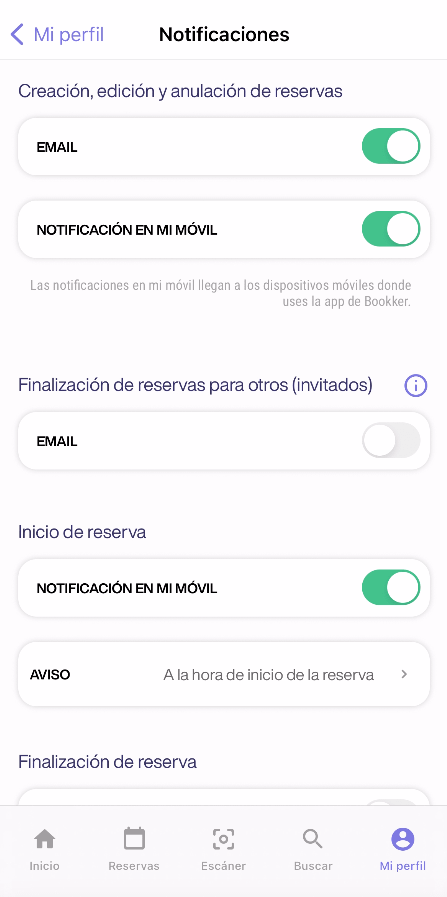
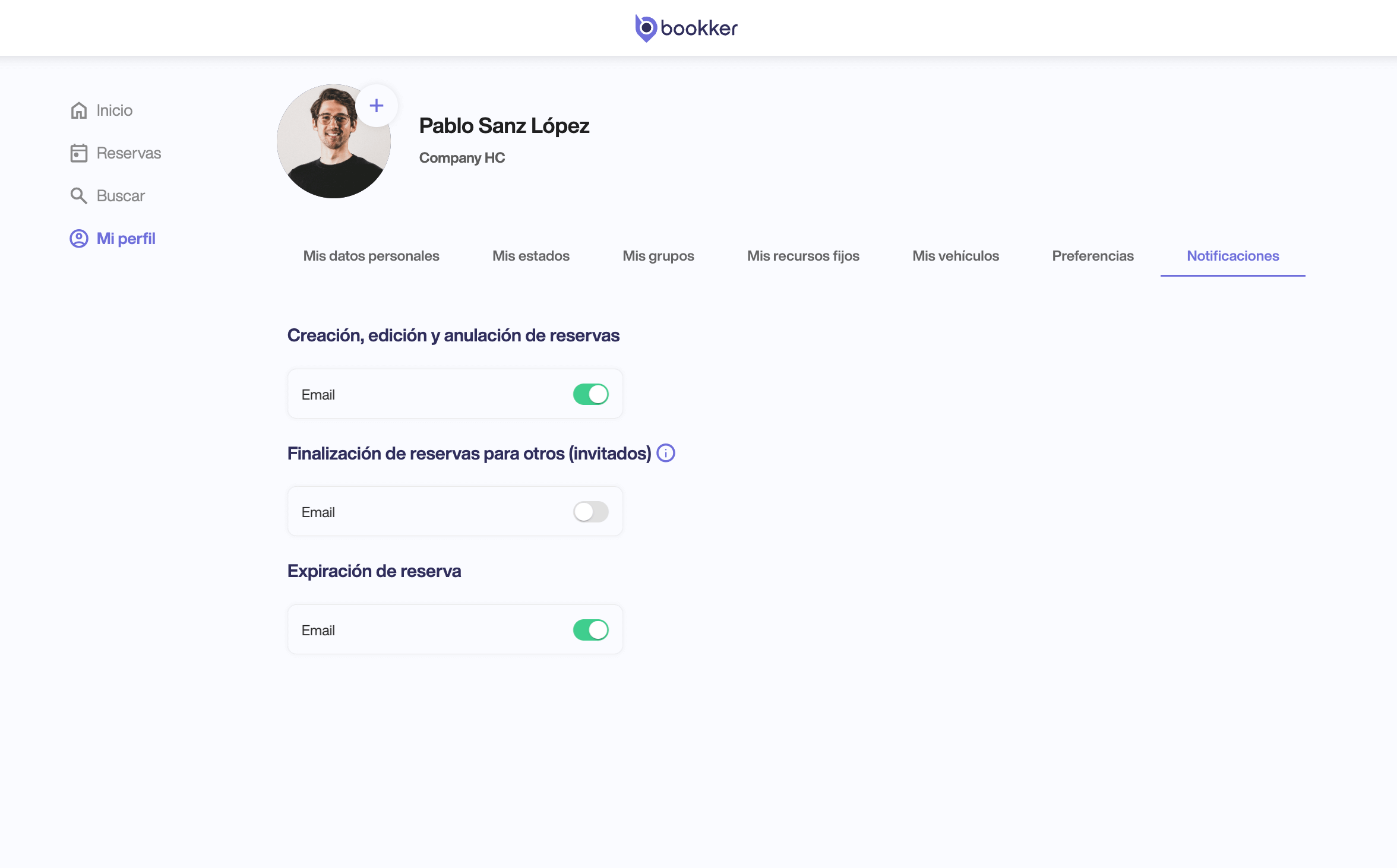
- Access My Profile > Notifications from the app user profile.
- Activate or deactivate the necessary settings to set your email or mobile notifications for your reservations.
- The changes made will be saved automatically.
📲 Notifications only configurable for mobile device will not be available from the webapp.
In this article
Register an incident
Have you found your answers?
Thank you for your feedback! We are happy to help you.
Thank you for your feedback! Your feedback helps us to improve our articles.
Need more help? Contact us!