
Last updated: 02/04/2024
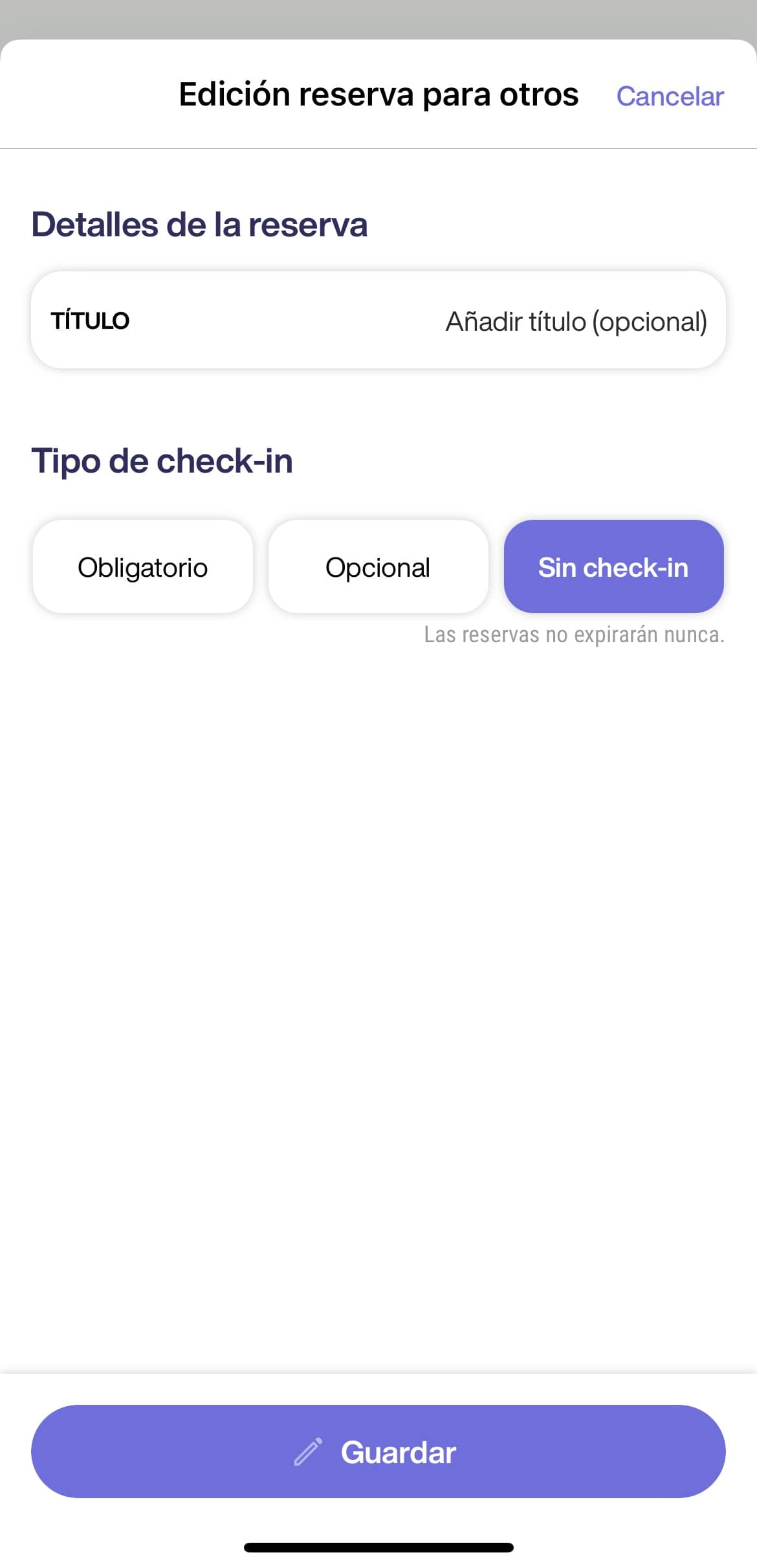
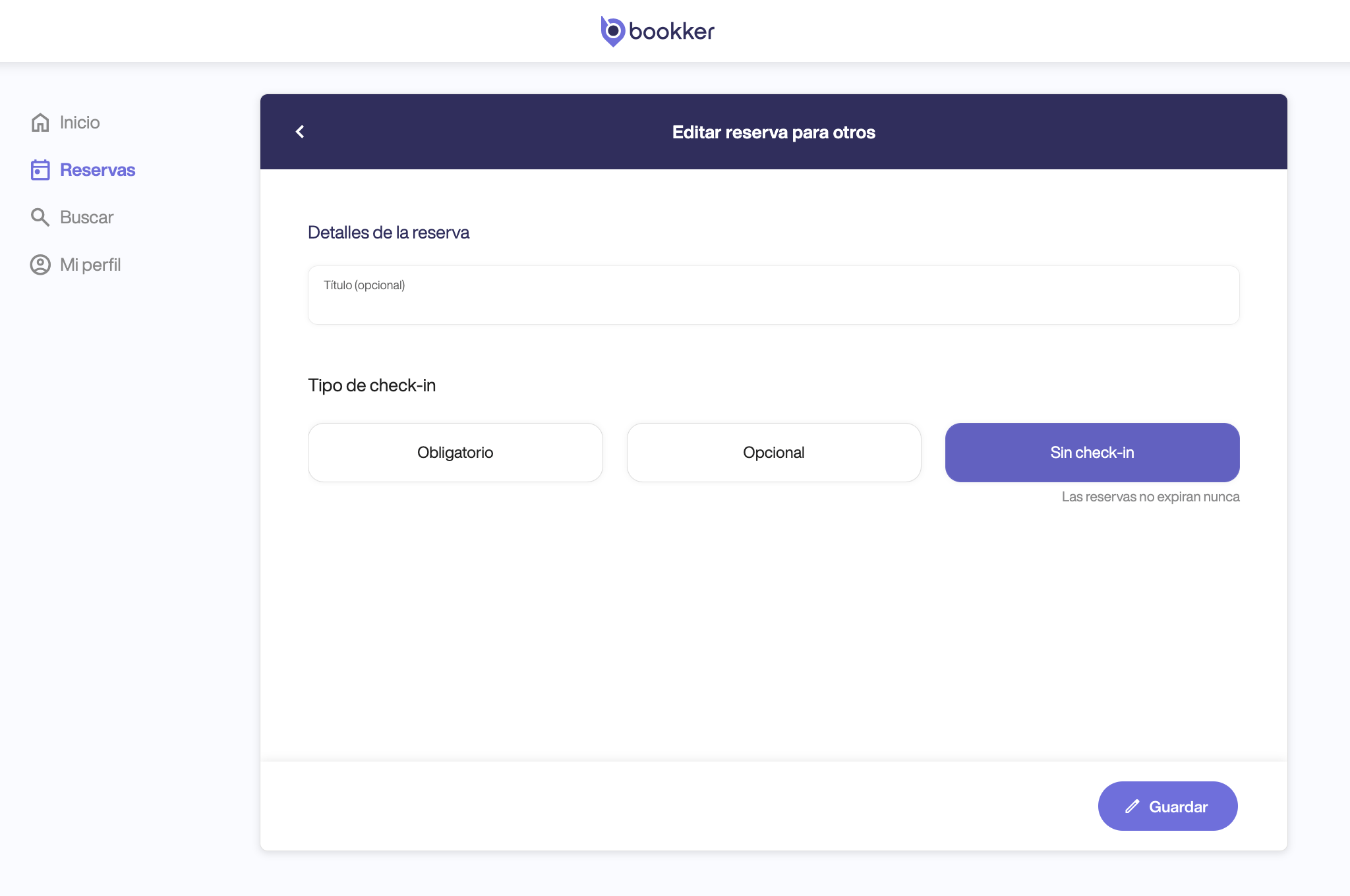
Edit a reservation for others.
- From the booking form, click on the options icon (three dots) located in the upper right corner and then pressa on “Edit reservation”.
- Modify the necessary fields and click on “Save”..
If there are repetitions in the reservation and this has started, the edit in the type of check-in type will be applied from the next repetition.
How to add a desk to an existing pool for others
👤 If the reservation has started, the allocation of users will be applied from the next repetition.
- From the reservation form, click on the “Add” button in the “desk” section.
- Select a new available position in the plan or in the list.
- Once selected click on “Add desk”.
In this article
Adding a desk to an existing reservation for others
Have you found your answers?
Thank you for your feedback! We are happy to help you.
Thank you for your feedback! Your feedback helps us to improve our articles.
Need more help? Contact us!