
How to view or edit my user profile.
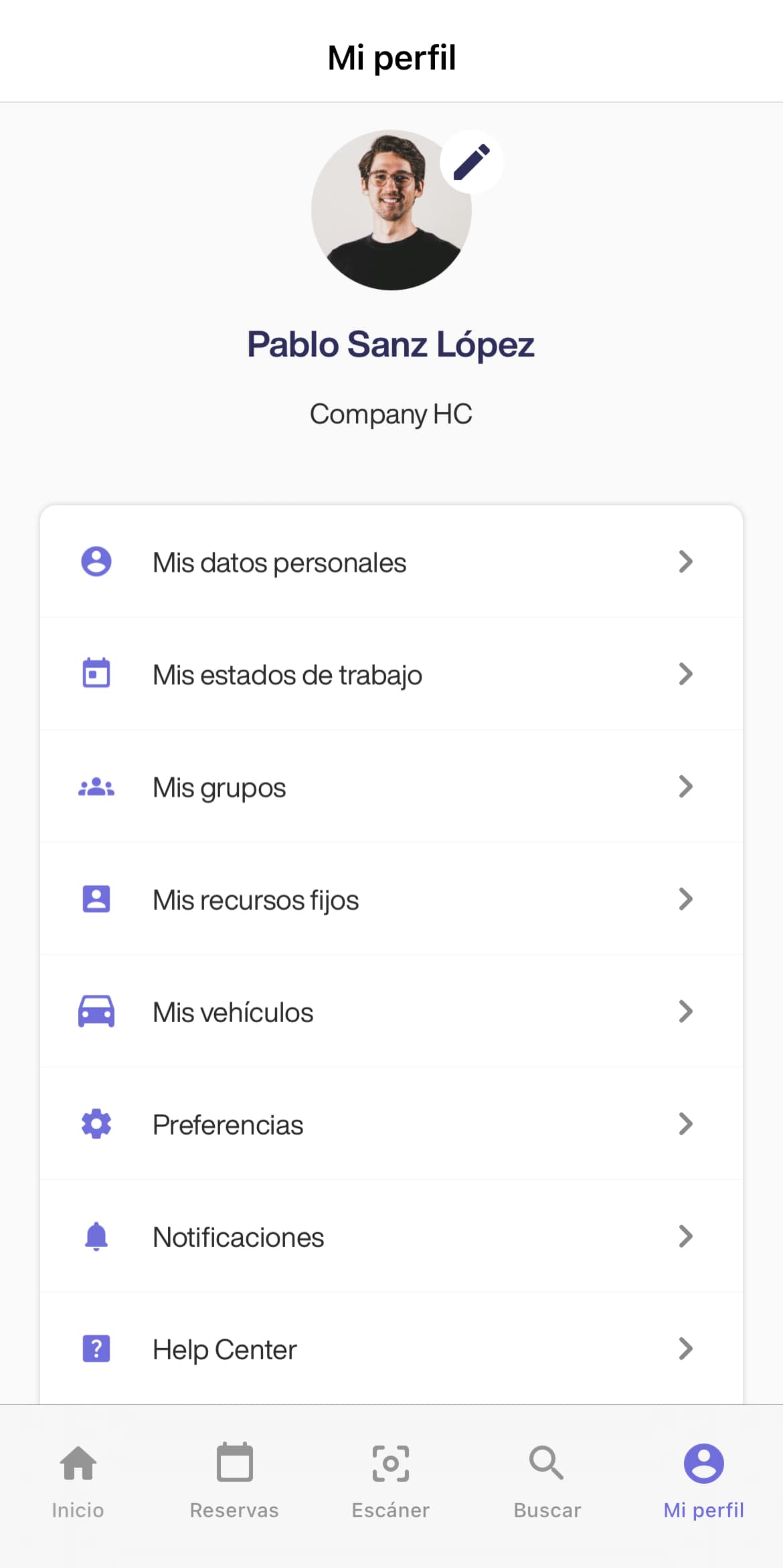
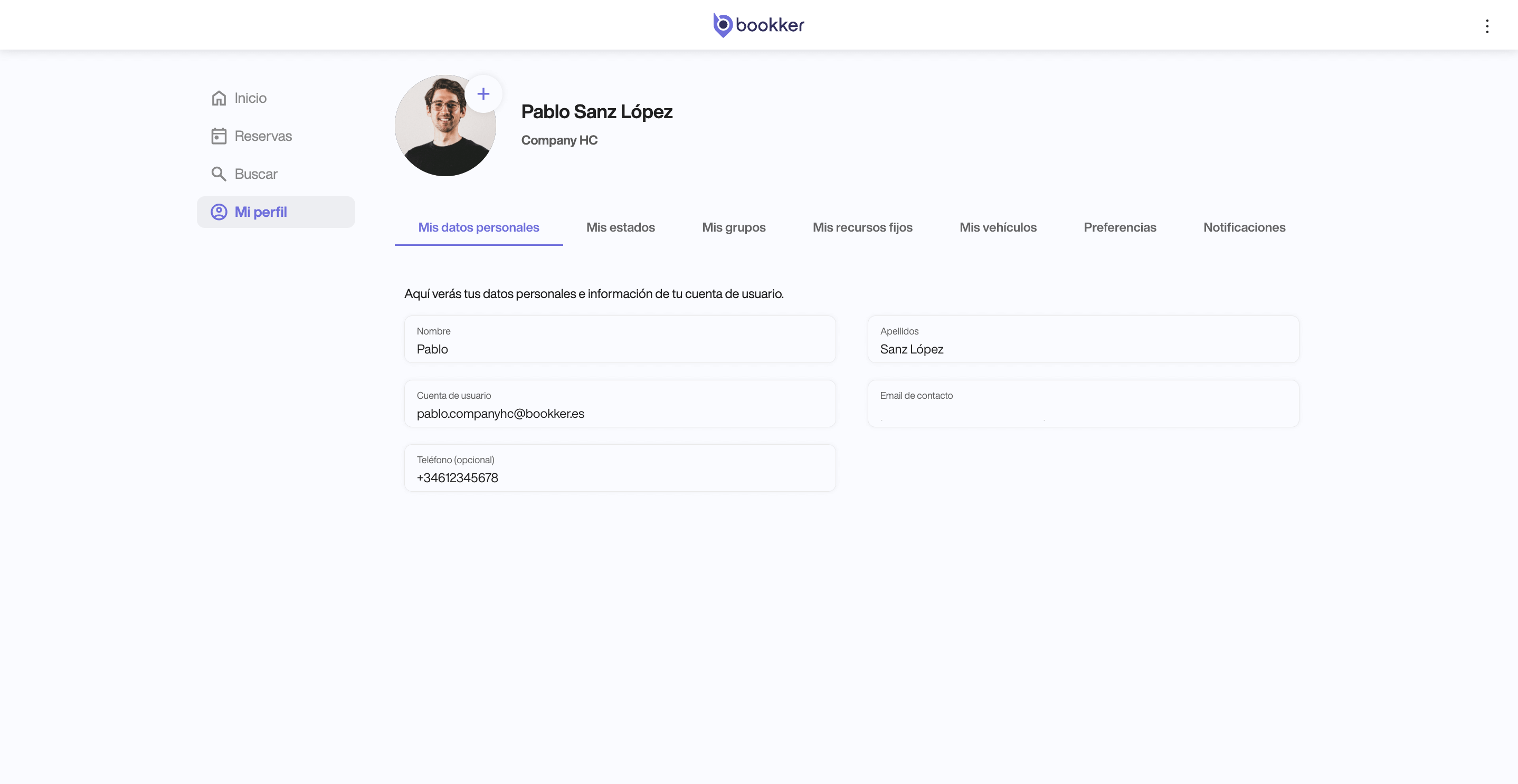
Your user profile is located on the last section of the main menu. In this section you can view, manage and customize various aspects of your Bookker account and user profile.
At the top of your profile, you will be able to modify your profile picture and view your current work status. At the bottom, navigate through the following sections to view your information or apply your desired settings (⎋):
- My personal data
- My work status ⎋
- My groups
- My fixed resources
- My vehicles ⎋
- Preferences ⎋
- Notifications ⎋
In addition, you can access the Bookker Help Center from your user profile in the app to answer any questions you may have.
At the end of the section, you can also check your current version of the Bookker app and see if there are any updates available.
In this article
Register an incident
Have you found your answers?
Thank you for your feedback! We are happy to help you.
Thank you for your feedback! Your feedback helps us to improve our articles.