
Last updated: 22/08/2024
How to add or edit my vehicles.
⚠️ To create parking reservations , it is necessary to register at least one vehicle from your profile.
- Access My profile > My vehicles from the app user profile.
- Click on the “Add vehicle” icon (➕).
- Add the necessary information about your vehicle:
-
- Type
- Color
- Brand
- Model
- Registration
-
- Finally, select the buildings you want to access with this vehicle and click on “Add”.
Once a vehicle has been added, the organization must validate the access for each of the requested buildings before being able to make parking reservations in them.
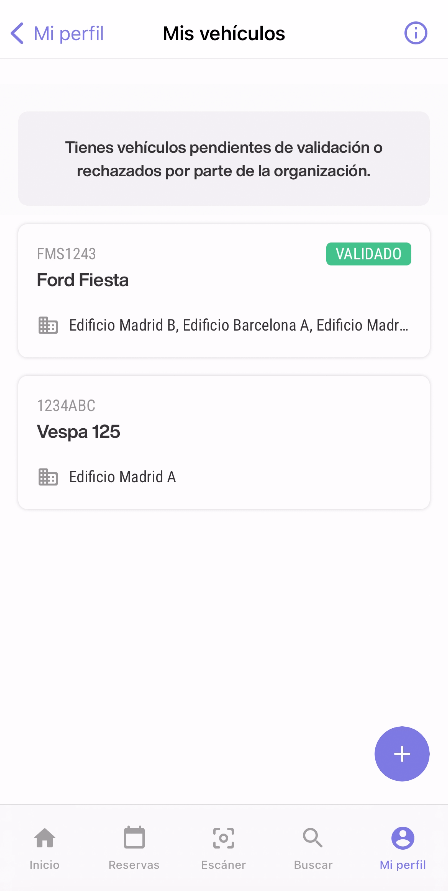
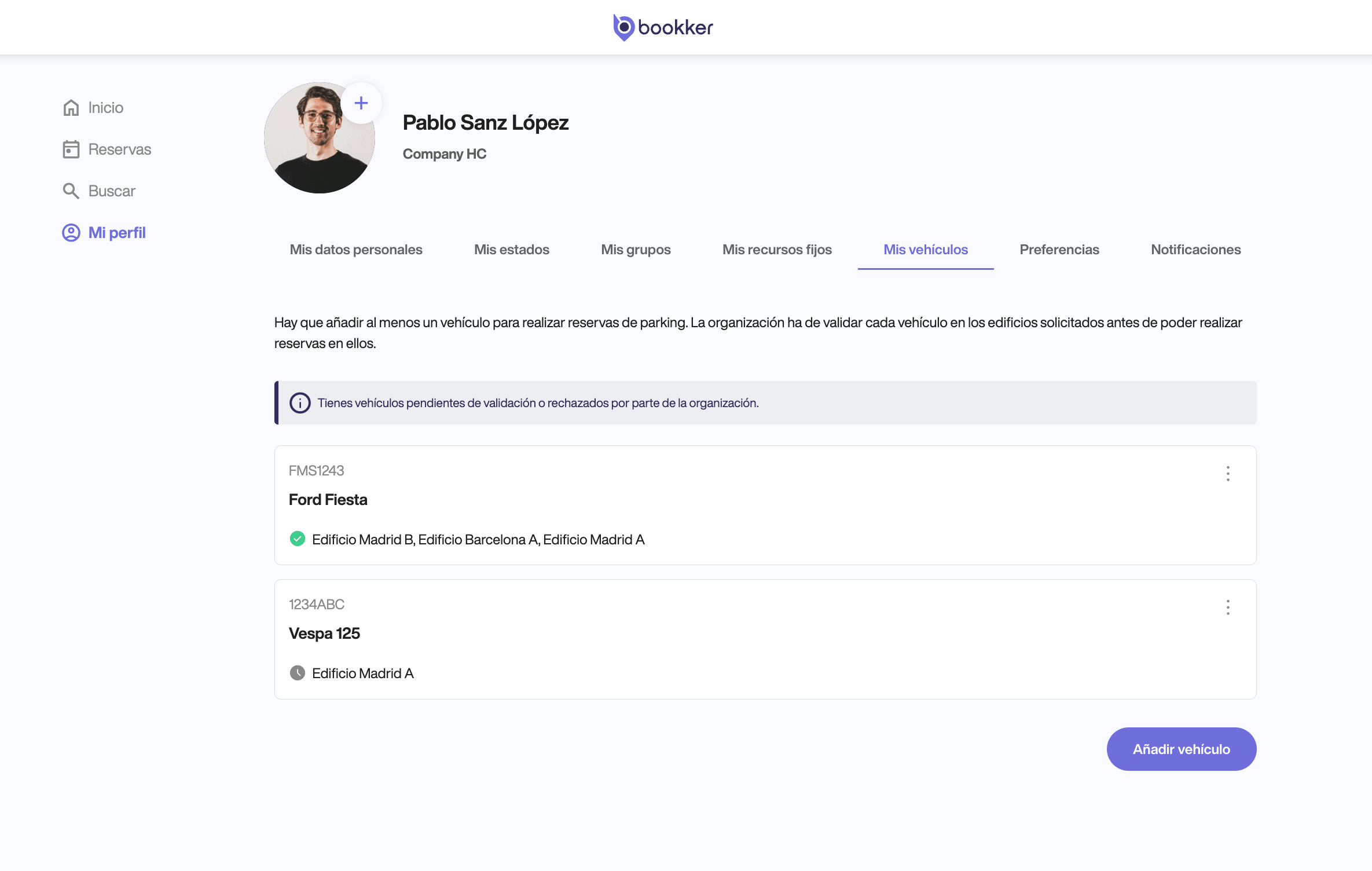
🗑️ You can also cancel or edit your vehicles from here by clicking on each of them.
In this article
Register an incident
Have you found your answers?
Thank you for your feedback! We are happy to help you.
Thank you for your feedback! Your feedback helps us to improve our articles.
Need more help? Contact us!