
How to contact or resolve an incident.
Do you have questions or need help?
You can send suggestions or incidents at any time through our applications.
Your organization will receive these requests to try to solve and help you with whatever you need.
In addition, you can try to contact the responsible person in your organization directly to try to solve the problem.
It is likely that your organization will be able to find a solution before escalating an issue to Bookker support.
If any issues are still not resolved, your organization can contact Bookker’s support center for more personalized attention.
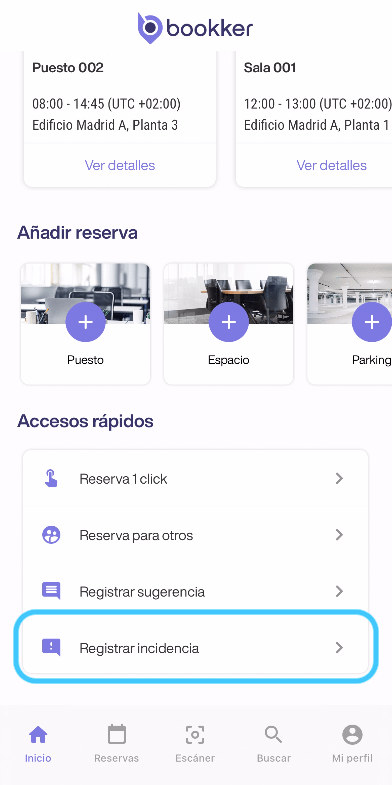
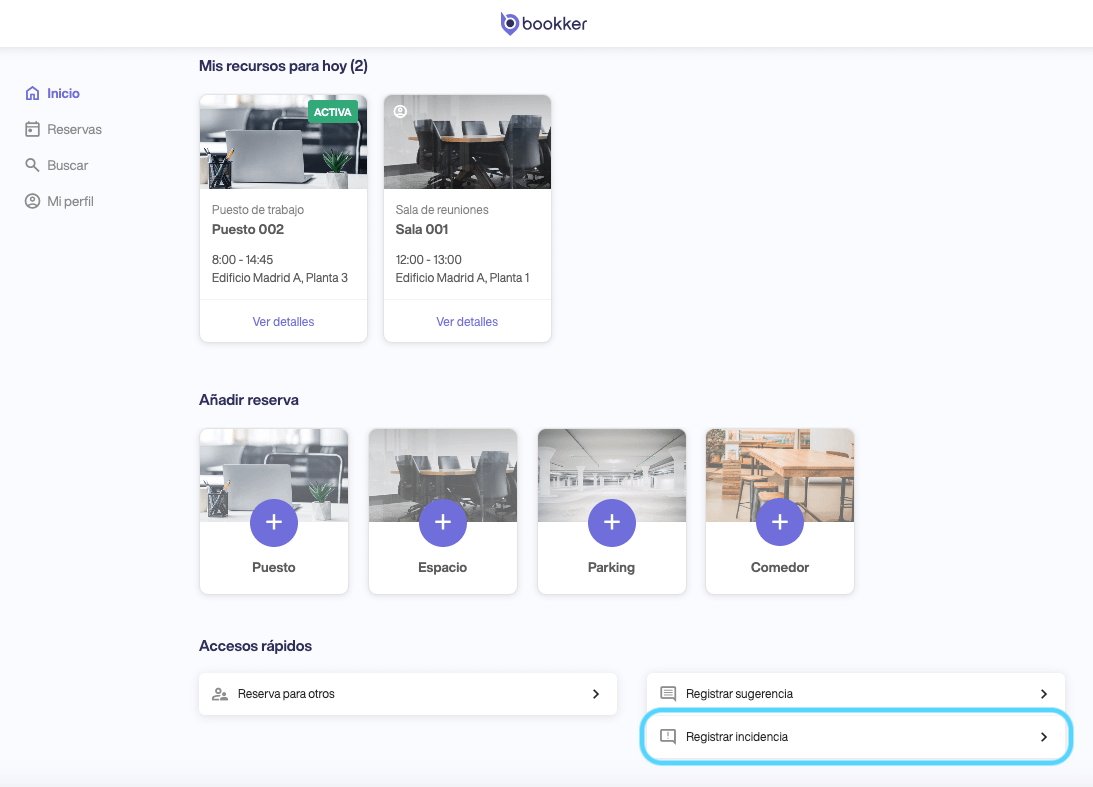
Register an incident.
- Access the “Register incident” form from the shortcuts on the Home screen.
- Fill in the incident form explaining as detailed as possible the reason and where the incident occurred.
- Click on “Send”.
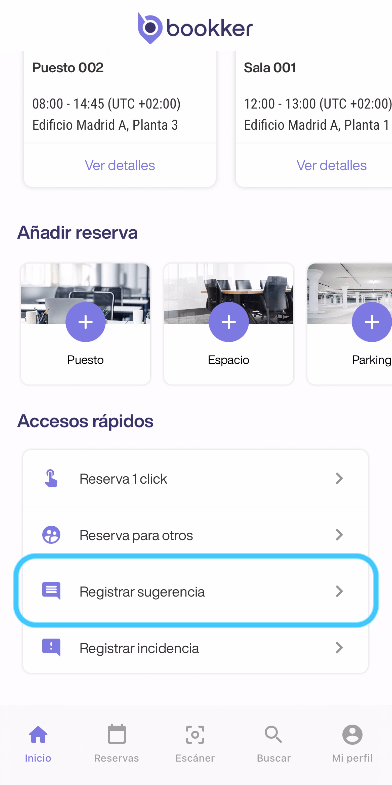
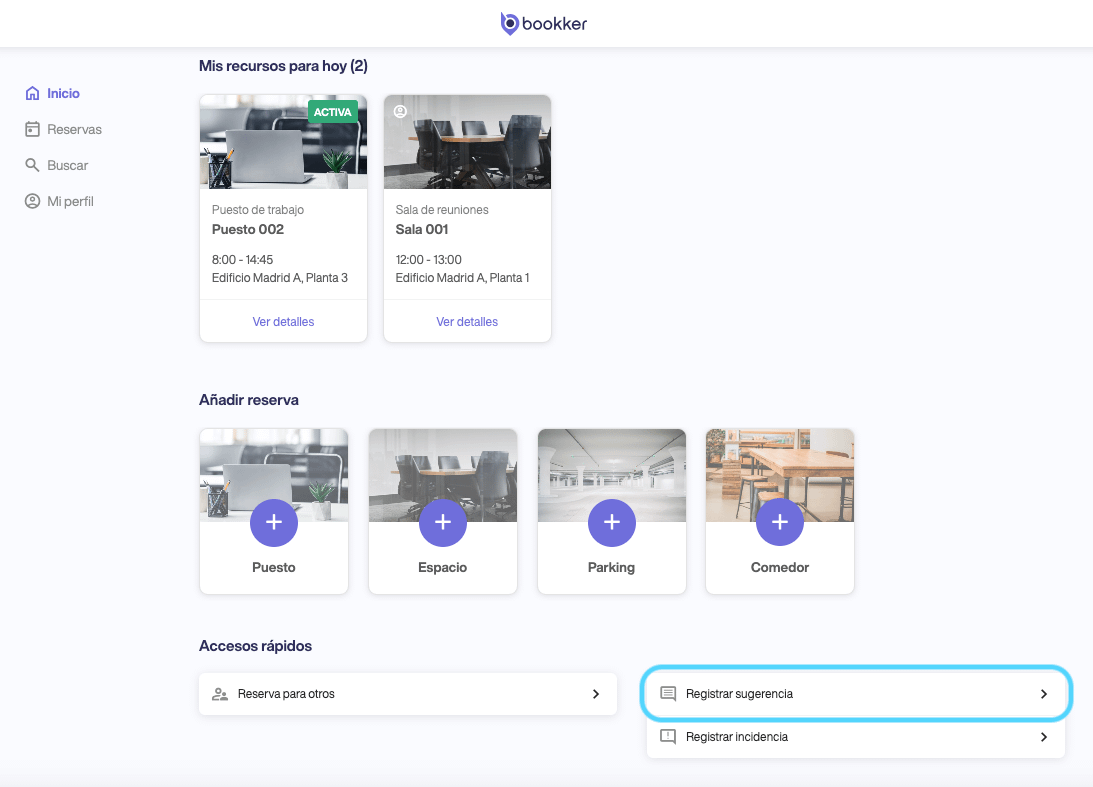
Register a suggestion.
- Access the “Register suggestion” form from the Home screen shortcuts.
- Fill in the suggestion form explaining your suggestions in as much detail as possible.
- Click on “Send”.
Contact Bookker's support center.
🚨 Remember that the Bookker support center can only be accessed if you are an administrator of your organization.
- Access the Bookker support center portal here.
- Enter your email address.
- Click on “Report an issue” and fill in the required fields.
Share as many details and attachments as you can about your issue. - We will contact you as soon as possible.
In this article
Register an incident
Register a suggestion
Contact Bookker’s support center
Have you found your answers?
Thank you for your feedback! We are happy to help you.
Thank you for your feedback! Your feedback helps us to improve our articles.